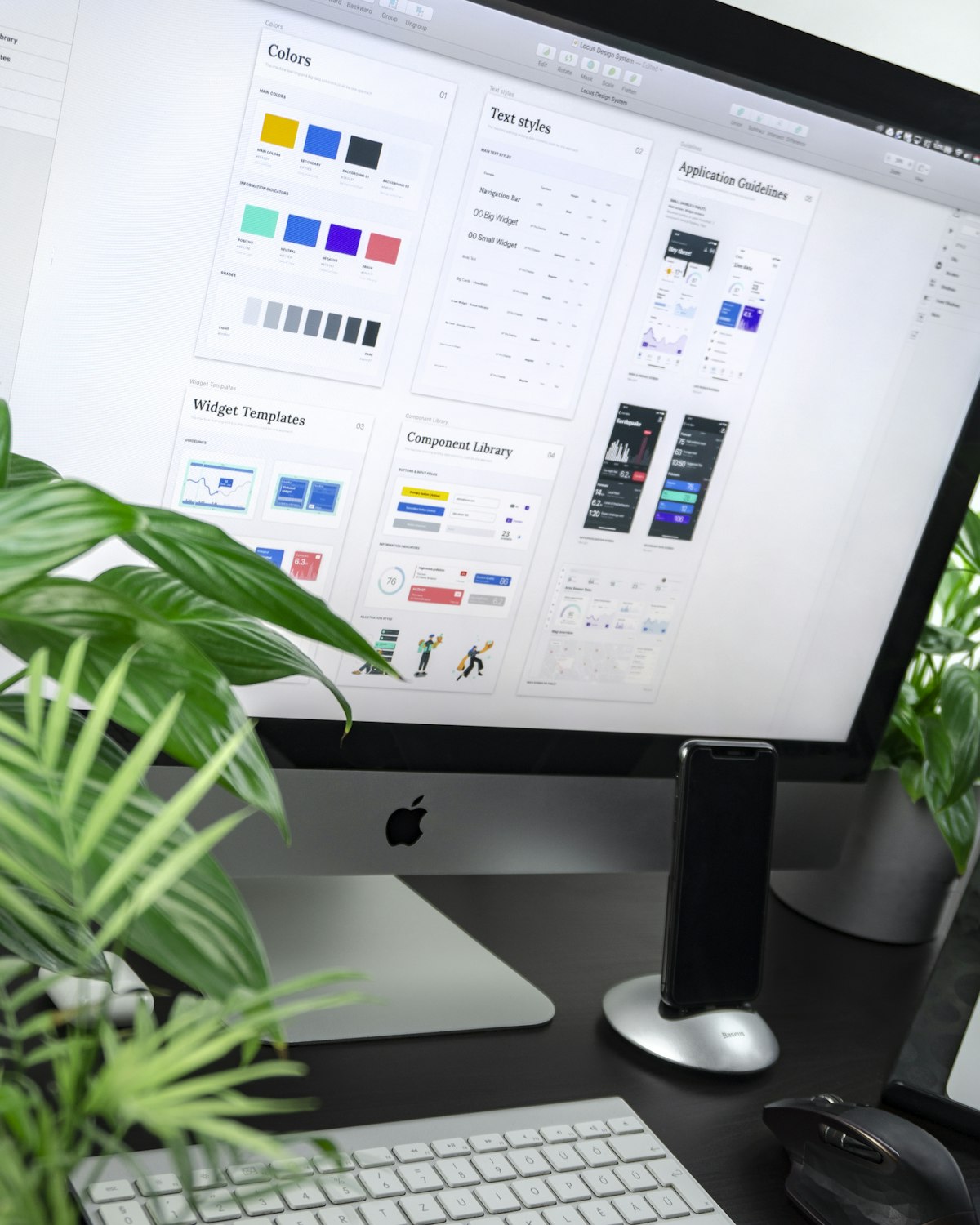
Astropad's Workbench Turns a Mac Mini Into an AI Agent Server You Control From Your Phone
Astropad, the company behind the Luna Display hardware that lets iPads function as Mac monitors, has built a new product for a new era: Workbench lets users remotely monitor and control AI agents running on Mac Minis from an iPhone or iPad. It is remote desktop software reimagined not for IT support but for the AI agent operator — the person who needs to check on autonomous workflows without being at their desk.

D.O.T.S AI Newsroom
AI News Desk
Astropad built its business on a simple premise: the iPad's display is underused, and Mac users who own one should be able to treat it as a second monitor. That product, Luna Display, required a piece of hardware that handled the low-latency video signal between the machines. Workbench is built on a different premise: that the next large category of Mac users who need remote access software are not IT professionals managing servers but individuals and small teams who are running AI agents on local hardware and need to watch them, interact with them, and intervene when something goes wrong.
The AI Agent Operator Problem
Running AI agents locally on Mac Minis has become a meaningful workflow for a specific type of user: developers and knowledge workers who want the privacy, cost, and latency benefits of local inference rather than API calls, but who run their agents on dedicated hardware separate from their main workstation. A Mac Mini running Ollama or a local Claude deployment, wired to a network and left running overnight to complete a long research or coding task, is cheap and capable — but it requires some way to check on it. The existing solutions are generic: SSH, Apple Remote Desktop, or consumer remote desktop tools designed for customer support scenarios. None of these are built around the specific workflow of an agent operator who needs a low-friction way to see what their agent is doing, intervene in a running workflow, and restart or redirect tasks without opening a full remote desktop session.
What Workbench Provides
Workbench provides low-latency streaming of the Mac Mini's screen to iPhone or iPad, optimized for the monitoring and light-interaction use case rather than the full remote control scenario. The mobile interface is purpose-built: rather than rendering a desktop UI at phone scale, Workbench surfaces the information that an agent operator actually needs — what process is running, what the agent is doing, whether it has completed or stalled. Interaction is available when needed, but the default mode is observation rather than control. The product ships with integrations for common AI agent environments, which suggests Astropad has built workflow-specific views rather than a generic remote desktop with an AI-themed marketing layer.
The Broader Shift in Remote Access
Workbench is a specific product, but the problem it solves points to something larger: the infrastructure for personal and small-team AI operations is being built from consumer and prosumer hardware and software, and that infrastructure has gaps. The monitoring, orchestration, and management tools that enterprises use for server workloads are too complex and too expensive for the individual running two Mac Minis as a personal AI compute cluster. Astropad is betting that there is a product market between IT-grade server management and no monitoring at all — and that the agent operator persona, which barely existed two years ago, is large enough to build a business around.